Give every consultation a clear place in your week
A practical way to turn consultation types, preparation time and online or in-person availability into a clear booking journey with Feny.
The difficult part of arranging a consultation is often deciding what the meeting is for. A short introduction, a detailed review and a follow-up need different amounts of time. When they all arrive as “Can we talk?”, scheduling becomes another round of questions. In Feny, you can present these as distinct services so clients understand the purpose, duration and price before choosing a slot.
Who benefits from this structure
It suits independent consultants and small advisory teams offering appointments with a defined scope. For example, a marketing consultant can separate an initial discussion from a campaign review. Describe what the session includes and what the client should prepare. Keep longer project delivery separate from the appointment itself; a meeting slot should not imply that an entire project is included.
An example working day
Consider a hypothetical consultant, not an existing customer. They offer a 45-minute introductory session and a 60-minute review. A preparation buffer leaves room to read the brief, while a buffer afterwards protects time for notes. These durations are examples to adapt. A client booking from another country checks the displayed time zone before confirming. The consultant can review the day’s appointments without searching through separate scheduling conversations.
Six practical setup decisions
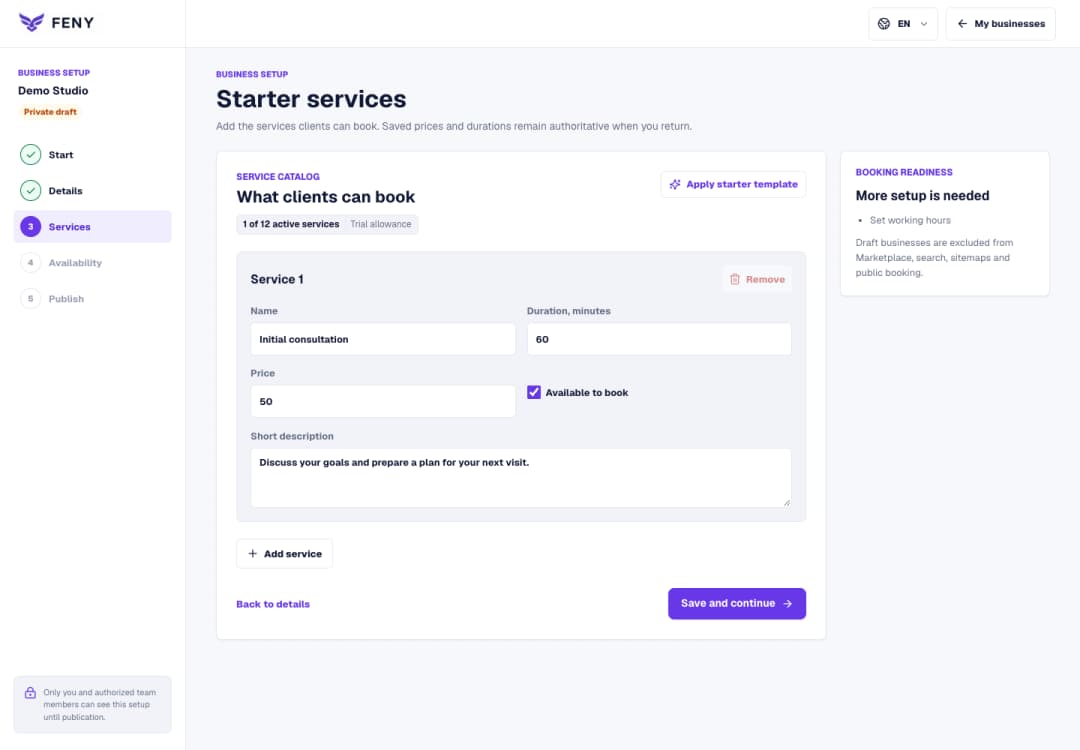
Create separate services for introductions, reviews and follow-ups, with clear descriptions, durations and prices.
Choose in-person or online delivery for each service and provide a clear location for in-person meetings.
For eligible Google Meet services, connect the business Google Calendar integration and verify that it is active.
Set the consultant’s working hours, preparation buffers and the minimum notice needed before an appointment.
Review the time zone, booking horizon and cancellation or rescheduling rules before publishing availability.
Test the client journey and confirmation page; enable email reminders only with the required settings and recipient consent.
From invitation to confirmed appointment
Share the booking page in the same message as a short explanation of the suitable service. The client selects a session and time, verifies their email for guest booking or signs in, then reviews and confirms the appointment. If the booking requires an online payment, the client completes it and checks the confirmation status. Afterwards, the client can return to the confirmation page to check status and available management actions.
Related reading
Explore more ways to improve your service and client experience.
A practical guide to Feny’s available features: online booking, team calendars, CRM, business websites, courses, equipment rentals and industry workflows. With examples and setup steps.
 Feny