 Feny
FenyA treatment menu guests can understand
Separate individual treatments, consultations and clearly defined packages. Explain what is included, the confirmed price and how long the appointment occupies the room.
Feny · Booking software by business type
Make the next wellness visit easy to arrange. Describe each treatment, connect it to a qualified member of your team and give guests a booking page that reflects your actual working hours. Keep room preparation and staff availability in the same planning process.
Starter: 2 months free, no card required.
Included in Starter: up to 3 team members, 25 active services and 1 location.

Built around your daily work
Separate individual treatments, consultations and clearly defined packages. Explain what is included, the confirmed price and how long the appointment occupies the room.
Assign the people and bookable resources needed for each service. A free therapist does not necessarily mean a room is available: configure both requirements before opening appointments.
Publish practical arrival information and business contacts. Keep the client record and appointment history in your workspace so the team can arrange the next visit with context.
A practical example
Both therapists have free time, but a treatment needs the same cabin. Assign that resource to the service and test overlapping requests before opening the treatment online.
A room requirement participates in the availability check alongside the specialist.
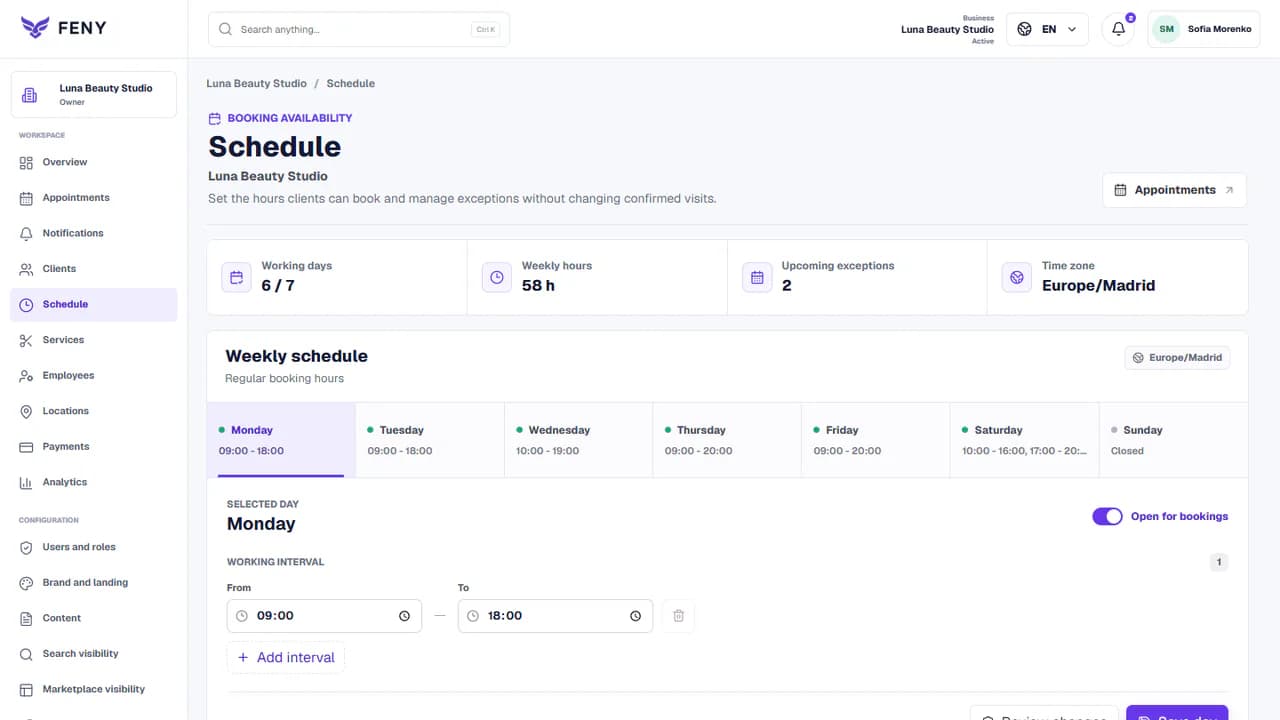
Add your real services, team and working hours. Review the client journey before publishing.
Read the guideUse your real service names, prices and durations. If a treatment depends on a consultation, offer that initial appointment rather than promising an unconfirmed package.
Add staff, working hours, absences and room requirements. Include the time needed for preparation and turnover in the supported scheduling settings.
Preview the page on a phone, choose a treatment and check the offered times. Test an appointment before publishing and sharing the link.
Feny supports service requirements for staff and resources. Configure the specific room or equipment and test concurrent bookings before making that service public.
Yes, when the specialist is active, bookable and assigned to the selected service and location. The displayed times depend on that configuration.
This solution covers appointments and client records. Hotel room inventory, accommodation packages and medical records require separate evaluation; they are not promised by this page.
Let clients choose a service, specialist and available time. Organize staff schedules and appointments in Feny, with a clear booking journey.
Build a public page with your services, team, photos and booking link. Edit the content, review each language and publish when your business is ready.
Keep client details, appointment history and useful notes together. Use Feny to prepare for the next visit and organize everyday client follow-up.
Manage team availability, working hours and absences in Feny. Connect specialists, services and locations to the appointments clients can book.
Starter: 2 months free, no card required.
Create my businessReview current plan limits and terms before publishing. Compare plans →