 Feny
FenyAvailability for each specialist
Set the hours in which a team member accepts appointments and link their services. Clients choose from configured availability rather than treating every employee as interchangeable.
Feny · Online booking solutions
Give the team one place to organize the time offered to clients. Weekly working hours, date-specific changes and absences help turn your real staffing plan into bookable appointments. Connect each service to the specialists who can perform it and review changes before they affect upcoming visits.
Starter: 2 months free, no card required.
Included in Starter: up to 3 team members, 25 active services and 1 location.
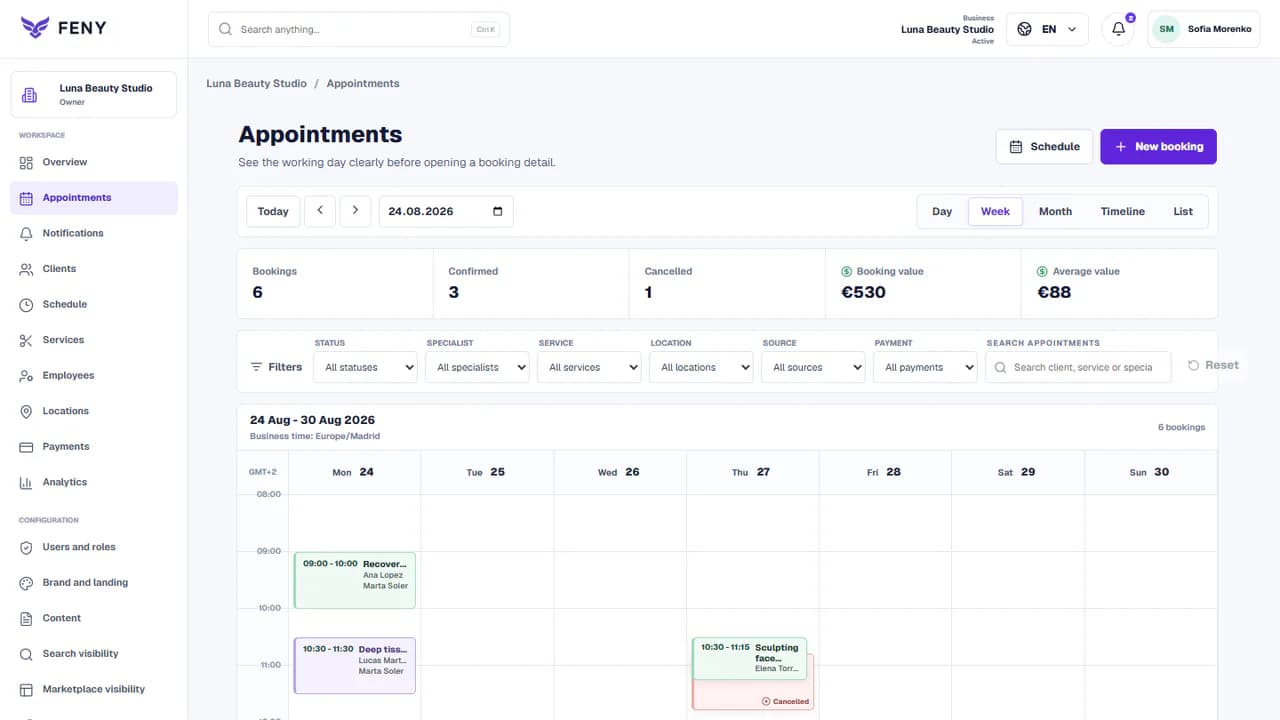
Built around your daily work
Set the hours in which a team member accepts appointments and link their services. Clients choose from configured availability rather than treating every employee as interchangeable.
Use specific dates for a changed working day and record absences. Review the impact of a schedule change on existing appointments before applying it.
Keep the service, specialist and location consistent. Where a room or piece of equipment is required, configure that resource too; staff availability alone is not sufficient.
A practical example
The weekly schedule normally opens the day, but the specialist will be away. Add the date-specific change and review its effect on upcoming appointments before applying it.
The team resolves existing conflicts and the public flow uses the updated availability.
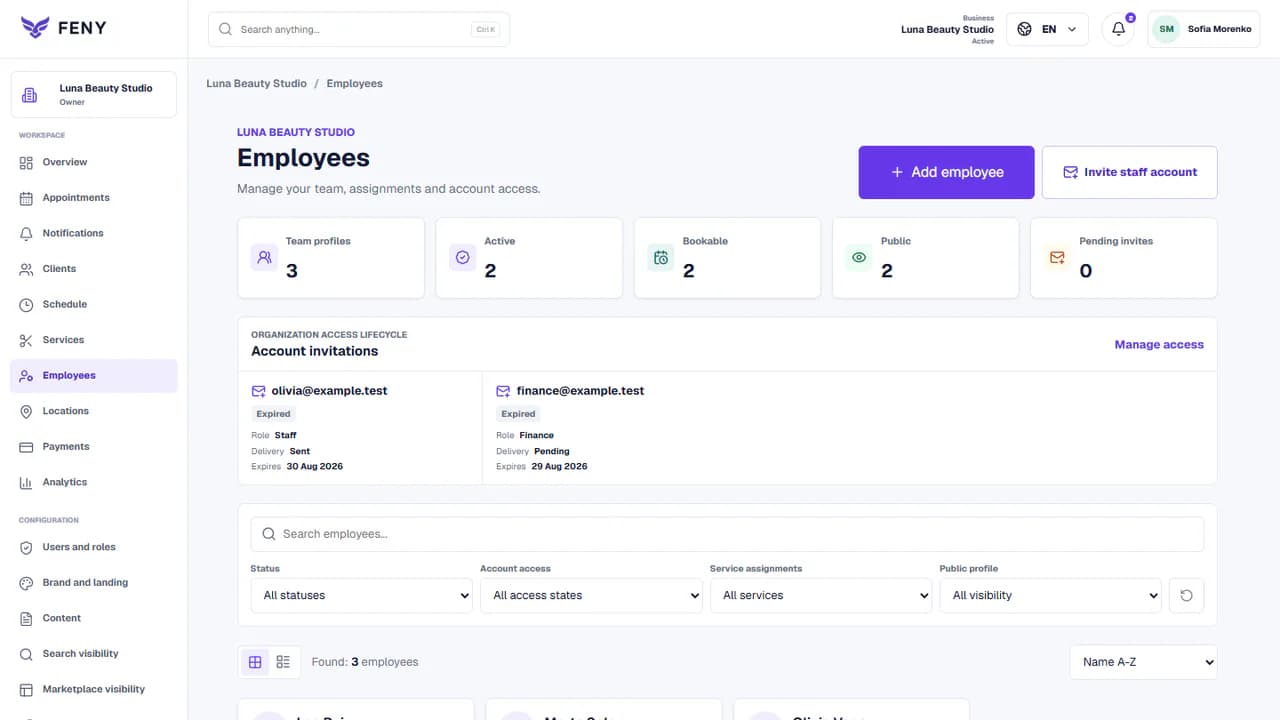
Add your real services, team and working hours. Review the client journey before publishing.
Read the guideAdd active specialists and connect the services they perform. Confirm the location and actual duration of each appointment before opening those times.
Enter the weekly schedule, then add planned absences and date overrides. Use the schedule preview to review changes rather than relying on a separate informal calendar.
Choose a service and specialist through the public booking flow. Confirm that a working slot is offered and a known absence is unavailable; then maintain the schedule as plans change.
No. This page covers availability for appointments and their operational calendar. Payroll, attendance tracking and labour-law reporting require separate tools or evaluation.
The scheduling tools support day-specific overrides alongside weekly hours. Review the impact on upcoming bookings and resolve any conflicts shown before applying a change.
No. Availability depends on active service assignments, working hours and relevant location or resource requirements. Confirm those settings for each member of the team.
Organize salon appointments, hairdressing services and staff schedules with Feny. Create a booking website and start with 2 months of Starter, without a card.
Run a barbershop appointment calendar with Feny. Offer haircuts, beard services and barber selection on your own booking page. Try Starter for 2 months.
Manage beauty appointments, treatments and specialists with Feny. Give clients a clear booking page for nails, brows and facial services.
Organize massage appointments, session lengths and therapist availability with Feny. Create a booking page for your massage or wellness practice.
Manage personal training appointments and trainer availability with Feny. Publish your sessions, location and booking link for individual clients.
Organize spa treatments, therapists and treatment rooms with Feny. Build your booking page and check availability before confirming a visit.
Starter: 2 months free, no card required.
Create my businessReview current plan limits and terms before publishing. Compare plans →