 Feny
FenyShow what clients need to know
Bring service descriptions, team profiles and contact information together. Help visitors understand what they can book and where the visit takes place before asking them to choose an appointment.
Feny · Online booking solutions
Bring information from messages and social profiles into one useful destination. Your Feny page introduces the business, explains services and leads visitors to booking. Answer real client questions with your own photos, clear descriptions and a recognizable style.
Starter: 2 months free, no card required.
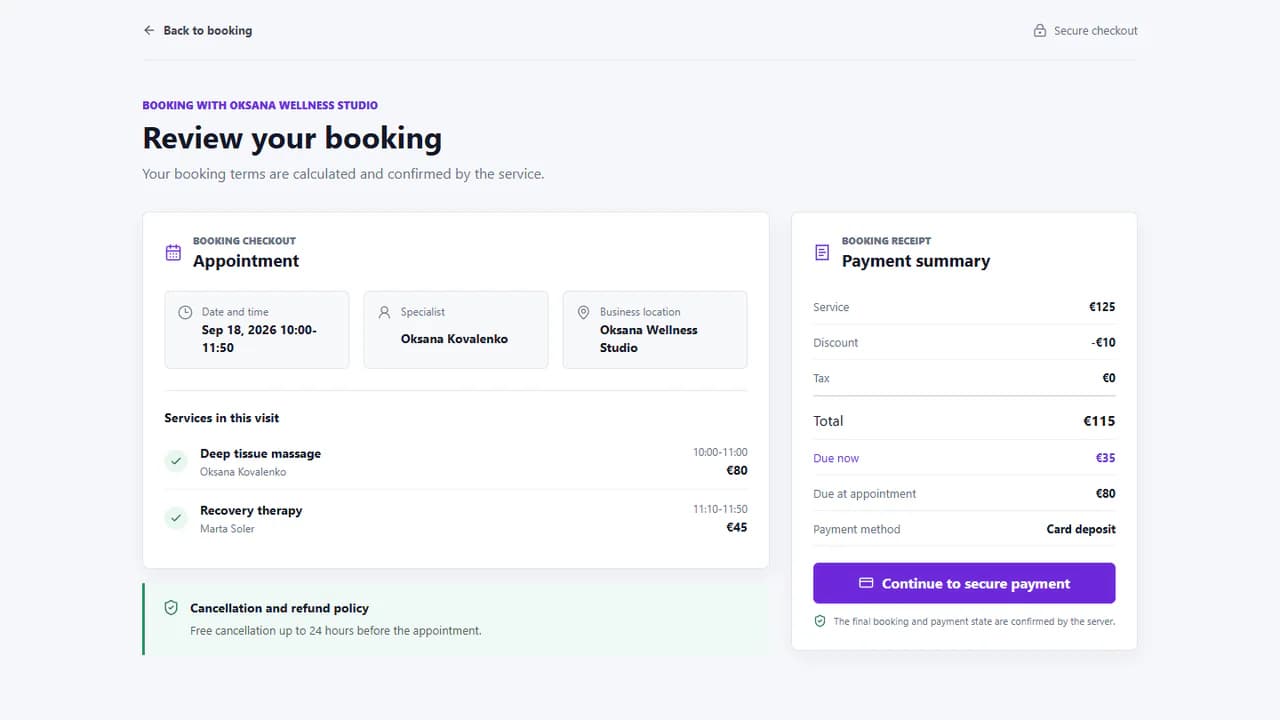
Built around your daily work
Bring service descriptions, team profiles and contact information together. Help visitors understand what they can book and where the visit takes place before asking them to choose an appointment.
Set up the visual presentation and add suitable images for your services and sections. Keep text readable against the background and use clear calls to action that lead visitors to the next step.
Adapt the visible text for the clients you serve. Review service names, descriptions and contact details in each language rather than assuming that changing the interface also translates your business content.
Add your real services, team and working hours. Review the client journey before publishing.
Read the guidePrepare your name, contact details, services, staff introductions and images you have permission to use. Leave unconfirmed details for review instead of publishing estimates as facts.
Arrange the available sections and choose the content and appearance. Open the preview on desktop and mobile, checking headings, photographs, contrast and the path to booking.
Confirm the public information, translations and booking setup. Publish the ready version, then open the public URL and share it from your profiles, messages or existing website.
A Feny public page introduces your business and provides access to booking. If you already have a website, keep it and add the booking link where clients expect to make an appointment.
The editor distinguishes draft work from publication. Review the current draft and publication state before releasing changes. After publishing, open the public page to confirm the version that visitors will see.
No. Complete useful content and correct search settings help search engines access the published page, but indexing and rankings are their decision. Drafts and previews should stay outside search results.
Organize salon appointments, hairdressing services and staff schedules with Feny. Create a booking website and start with 2 months of Starter, without a card.
Run a barbershop appointment calendar with Feny. Offer haircuts, beard services and barber selection on your own booking page. Try Starter for 2 months.
Manage beauty appointments, treatments and specialists with Feny. Give clients a clear booking page for nails, brows and facial services.
Organize massage appointments, session lengths and therapist availability with Feny. Create a booking page for your massage or wellness practice.
Manage personal training appointments and trainer availability with Feny. Publish your sessions, location and booking link for individual clients.
Starter: 2 months free, no card required.
Create my businessReview current plan limits and terms before publishing. Compare plans →